
Hey friends,
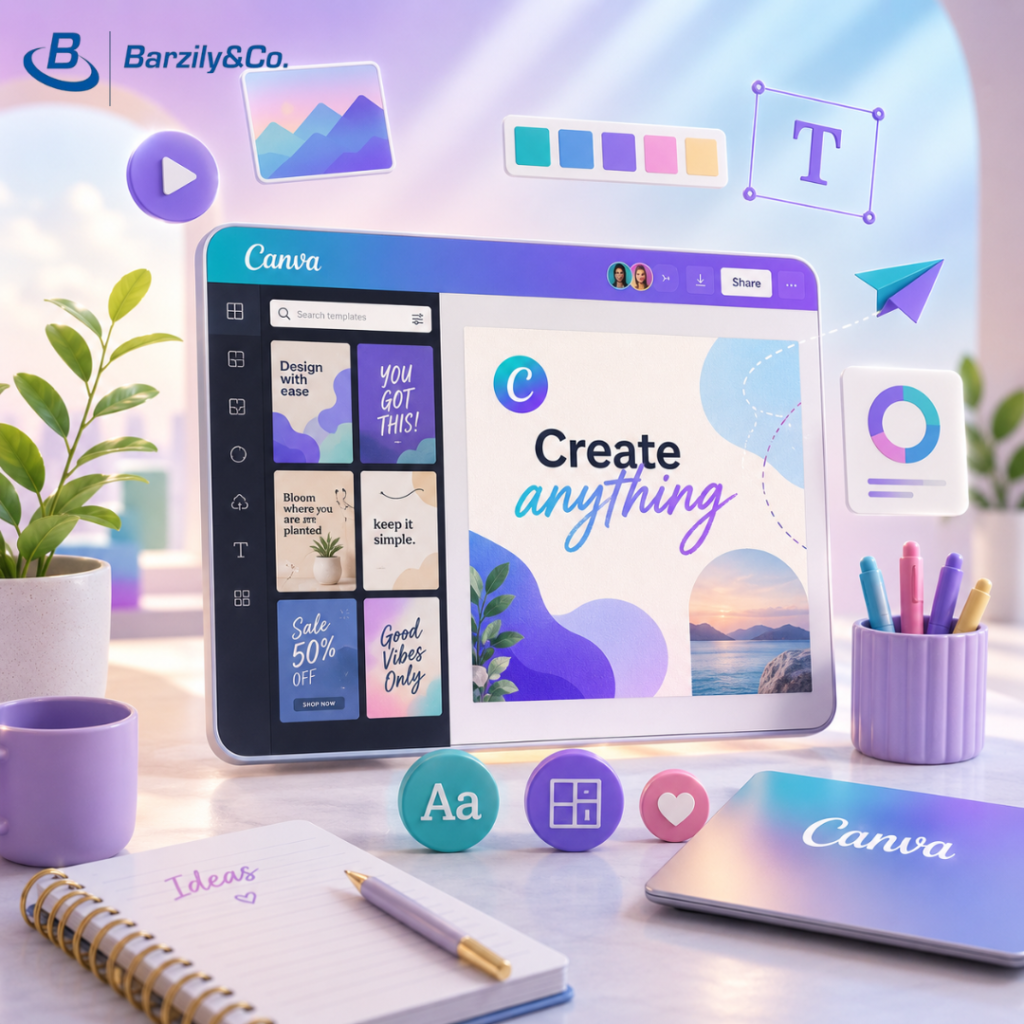
Let me introduce a tool that some of us may be familiar with, but it has truly earned a place of honor in business: Canva, a graphic design tool. It's very user-friendly and integrates AI capabilities to create impressive visual content that can be used by your business. What can you do with Canva?
1. Creating social media posts – graphics, animations, and even videos.
2. Logo, flyer, and presentation design – including complex elements like presentation transitions, etc.
3. The significant advantage of Canva is that the free version allows a lot, and the option to use ready-made templates that can be adapted to your needs.
Unique Feature: Here comes the AI part – "Magic Studio" (that's what they call it) Canva offers "Magic Studio," an AI tool that allows you to easily and quickly create and customize impressive presentations and designs. The designed templates can be customized, and animations and transitions can be added for a spectacular viewing and visualization experience of your ideas. Experiment with Canva: The best way to get to know new tools is simply to try them out yourself, without fear – just dive in.
Short guide:
1. Think of something you'd like to build for your business: a flyer, business card, social media post, or story.
2. Go to https://www.canva.com or download the Canva app from the app store.
3. Sign up for free with your Google account.
4. Select the appropriate format and template (e.g., Social Networks -> Facebook Post).
5. Adapt the text, colors, and images to your brand's needs.
6. Save and share on social media!